QR Code Generator Panel Pro · Adobe Illustrator Vector QR codes. In your file.
Editable vector QR codes in Adobe Illustrator with a Liquid style and your logo in the centre. Batch from URL lists or CSV across artboards. $19 USD.
Free: free download · Pro: $19 USD once, on this site or on Adobe Exchange
The website and Exchange editions are the same panel; buy it in one place.
What it does
QR Code Generator Panel Pro, explained.
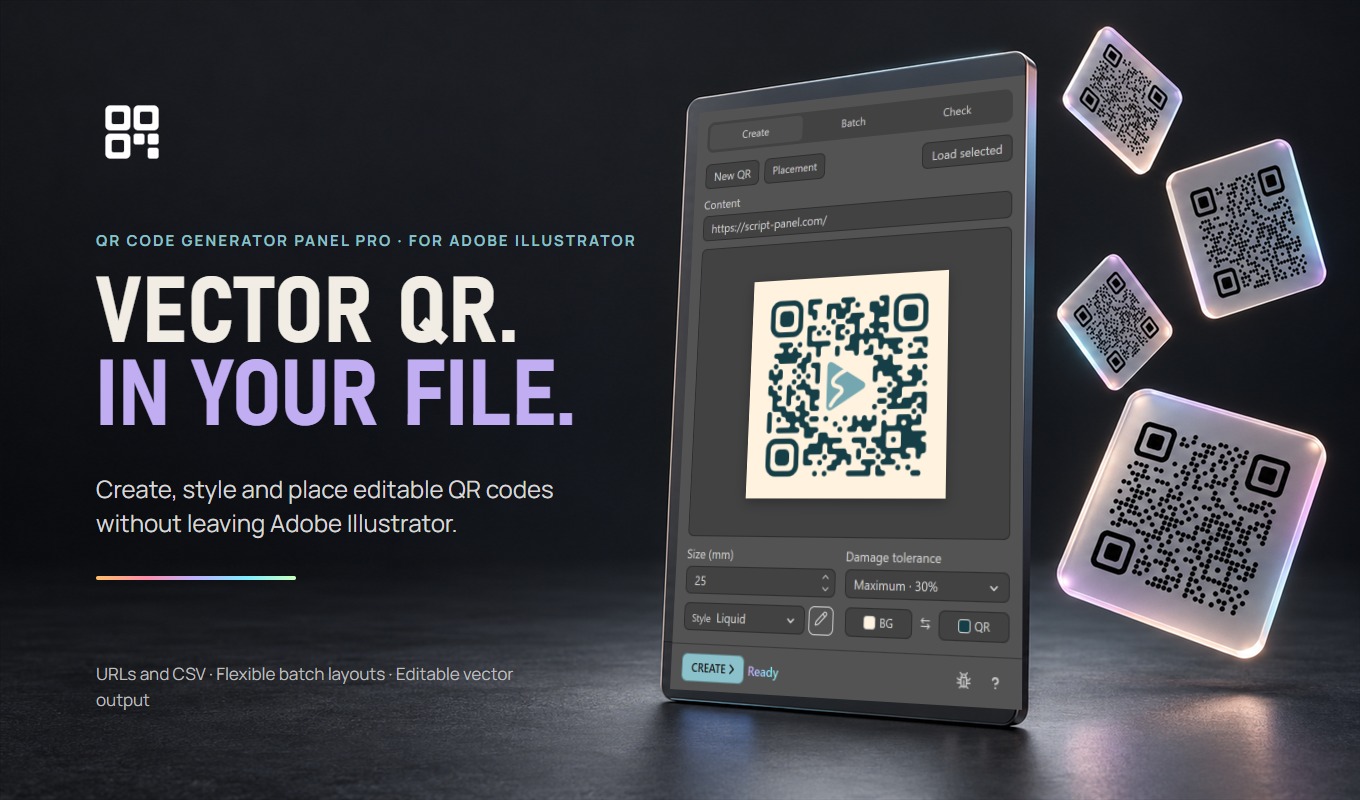
QR Code Generator Panel Pro is an Adobe Illustrator panel (plugin) that creates editable vector QR codes from http:// or https:// links. It sets size, error correction, Square, Soft, Rounded or Liquid styling and colors, embeds a PNG, JPEG or SVG logo in the centre with error correction set to High, updates QR codes it created while keeping their position, and places up to 100 links from a list or CSV file across artboards, in a grid or in placement containers. The current version is 0.1.4, listed at $19 USD on Adobe Exchange.
Who it is for
Designers preparing packaging, labels, business cards and print layouts that need one or many website QR codes as editable vector artwork.
The useful part of the workflow.
Create and update
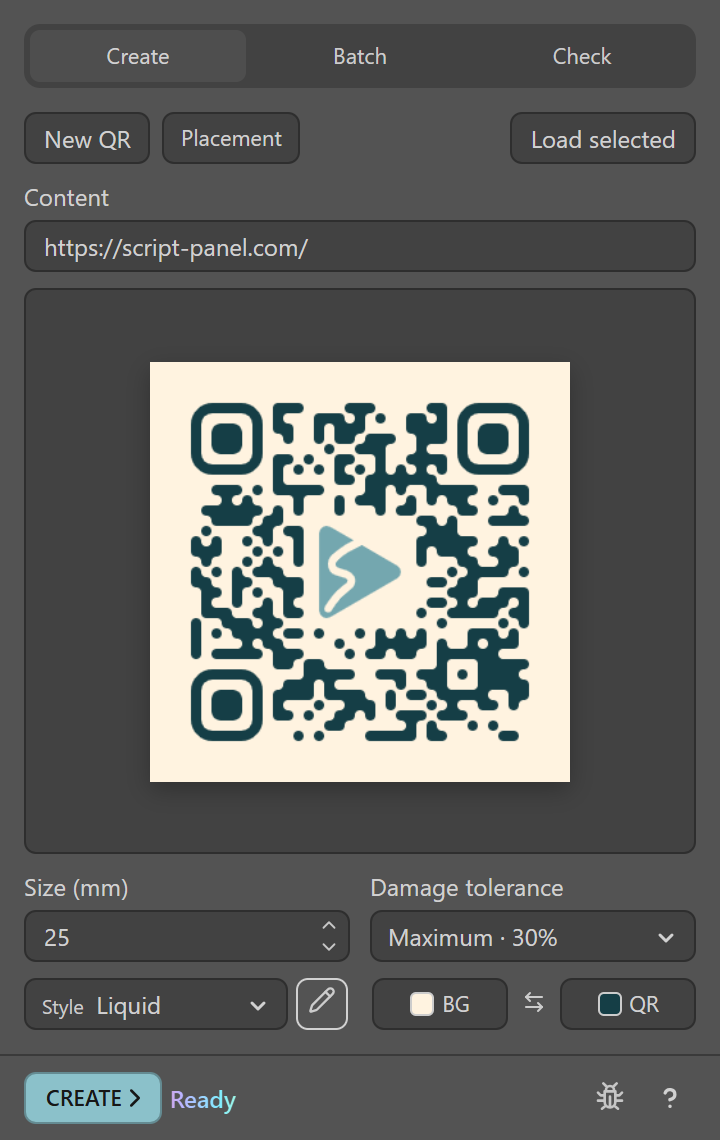
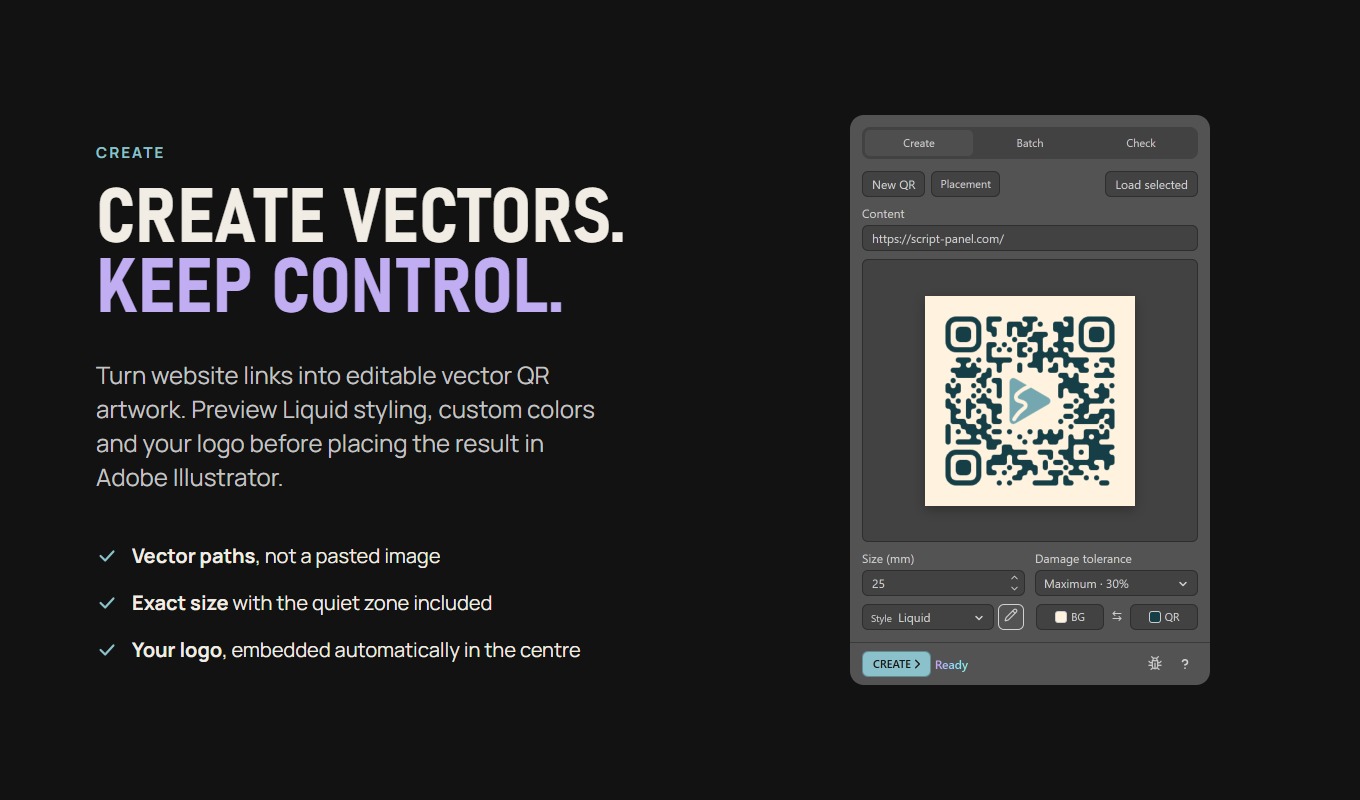
Create a vector QR code from an http:// or https:// link. Load a QR code the panel created to change its link, size or look and keep it in the same place.
Style it
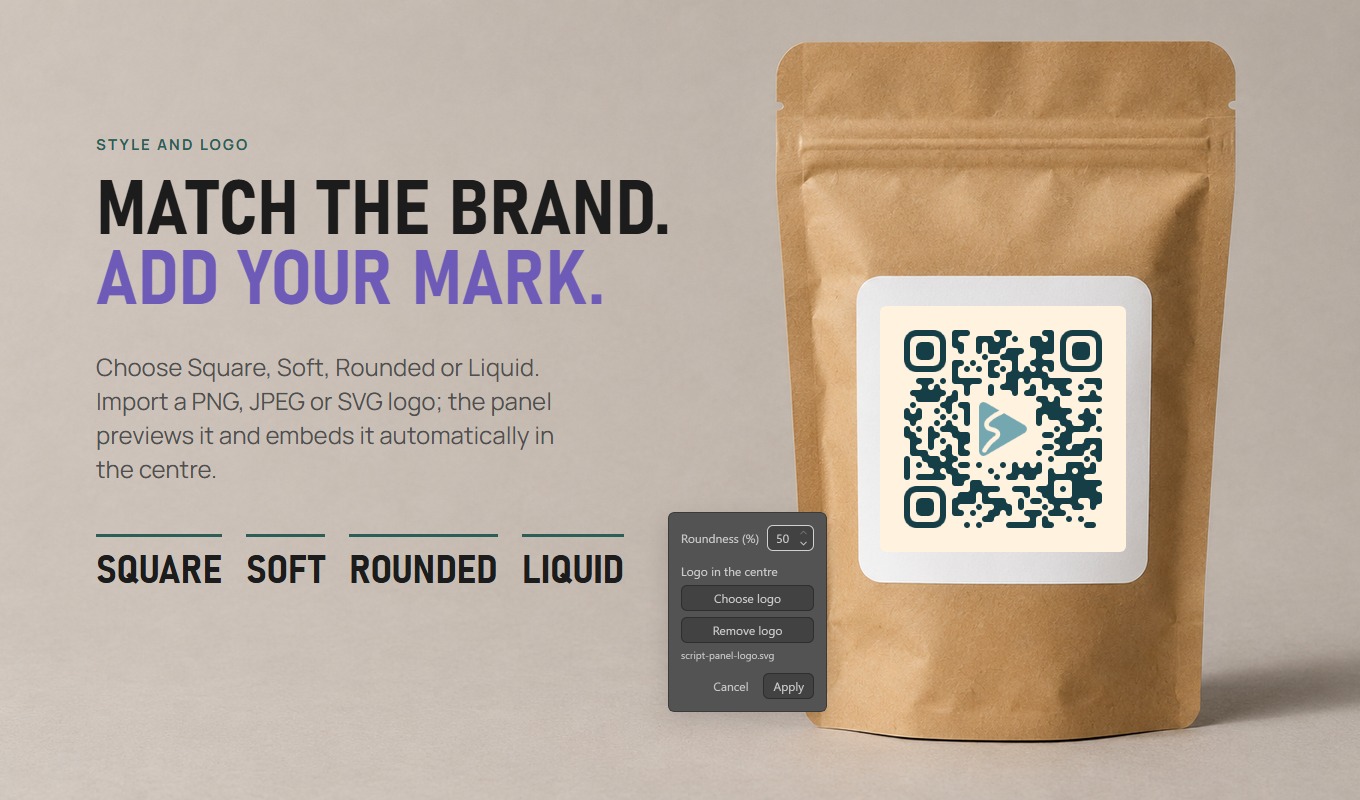
Choose Square, Soft, Rounded or Liquid modules, the error-correction level and the QR and background colors. Liquid joins neighbouring modules into smooth shapes with rounded finder eyes.
Add your logo
Click the pencil beside Style and choose a PNG, JPEG or SVG logo. The preview shows it in the centre, error correction switches to High, and Create embeds it inside the QR group: SVG stays vector, raster images are embedded. The panel checks how much centre space the link can safely give up, so shorter links leave more room.
Generate batches
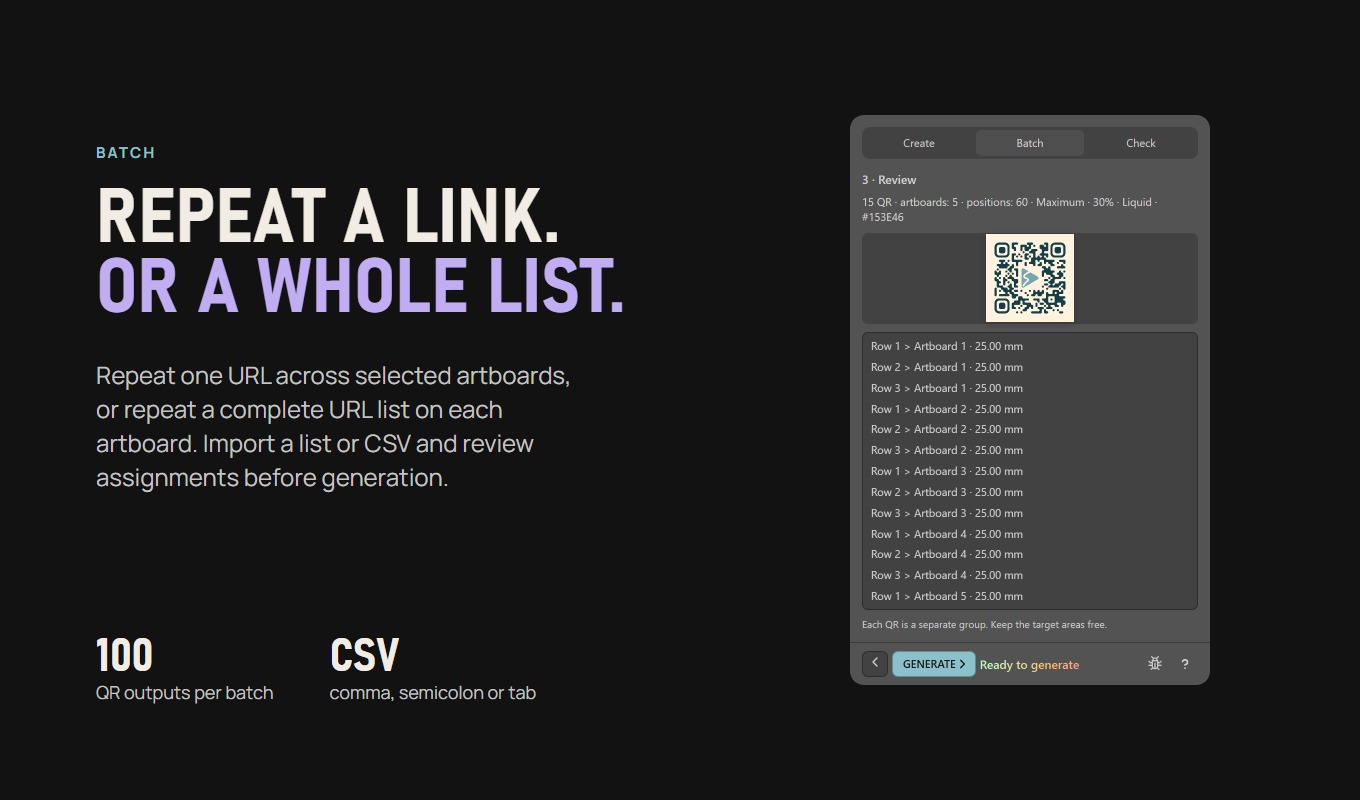
Paste one link per line or import a CSV file and pick the URL column. Review assignments before generation; up to 100 records per batch.
Place across the document
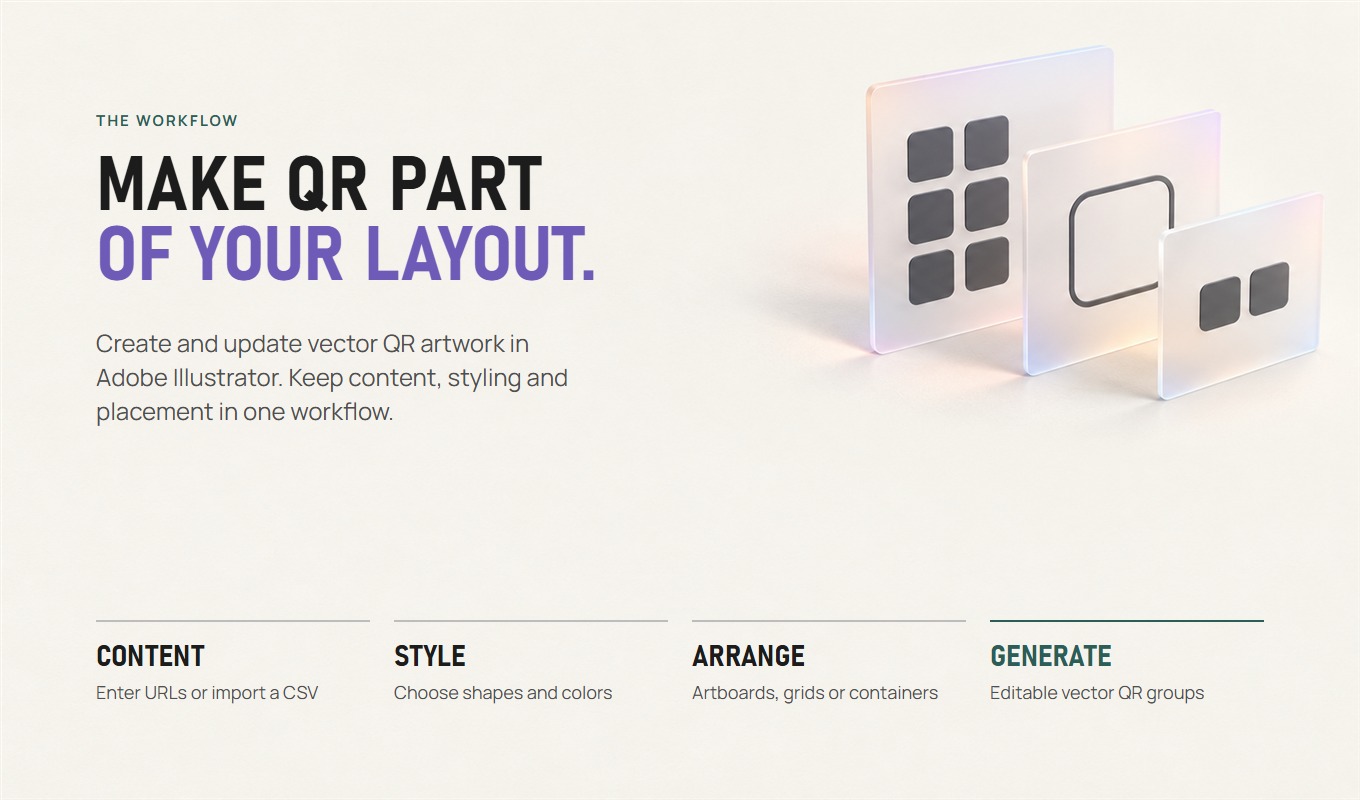
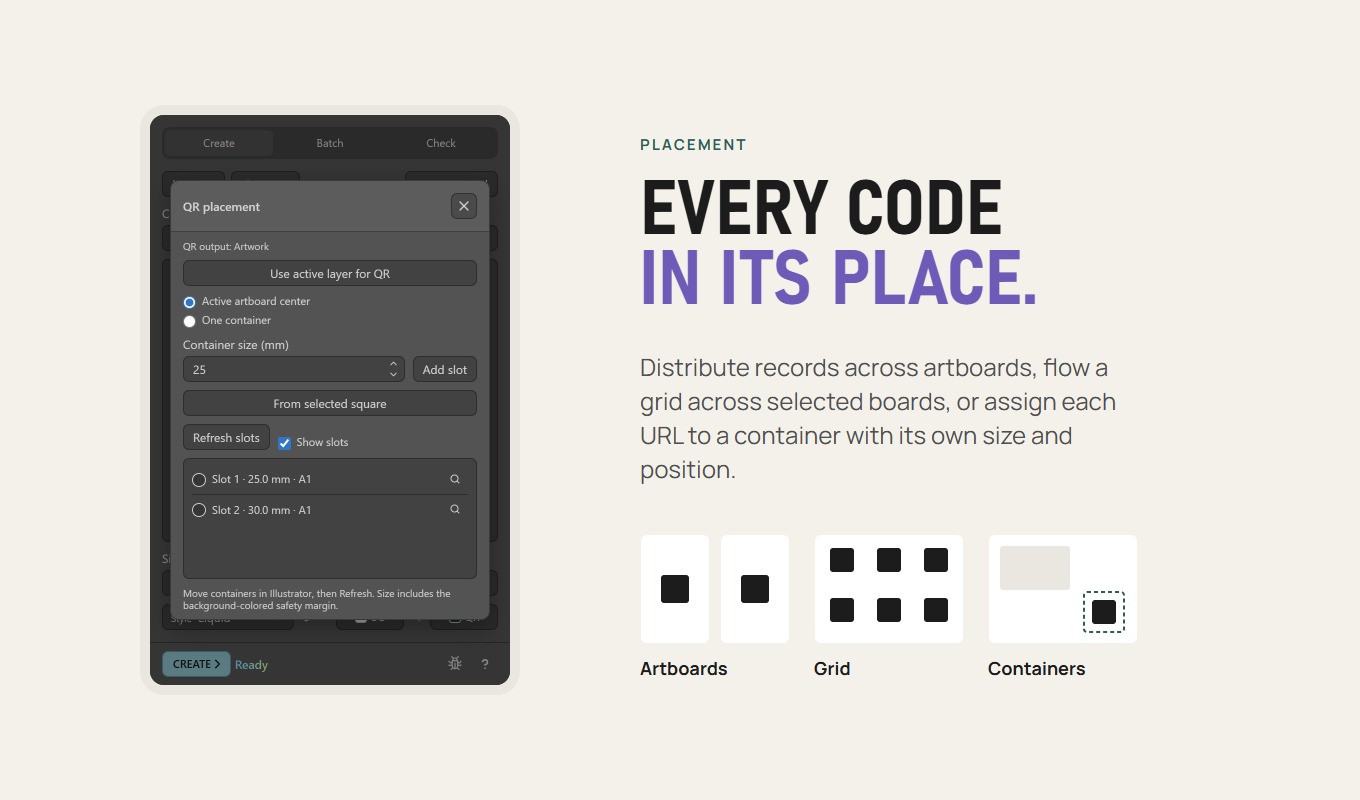
One code per artboard, a grid, or placement containers you position in Adobe Illustrator. Repeat one link across selected artboards when needed.
From installation to a first useful run.
- Acquire the panel from the Adobe Exchange listing and complete Creative Cloud installation.
- Restart Adobe Illustrator and open Window > Extensions > QR Code Generator Panel Pro. Earlier versions appear there as QR Production Pro.
- Open the document and enter an http:// or https:// link, or switch to Batch for a list or CSV file.
- Choose size, style and colors, add a logo in the style editor if needed, then create the codes.
- Use Check to review panel-made codes, then scan the final artwork and a printed proof before delivery.
Know the limits
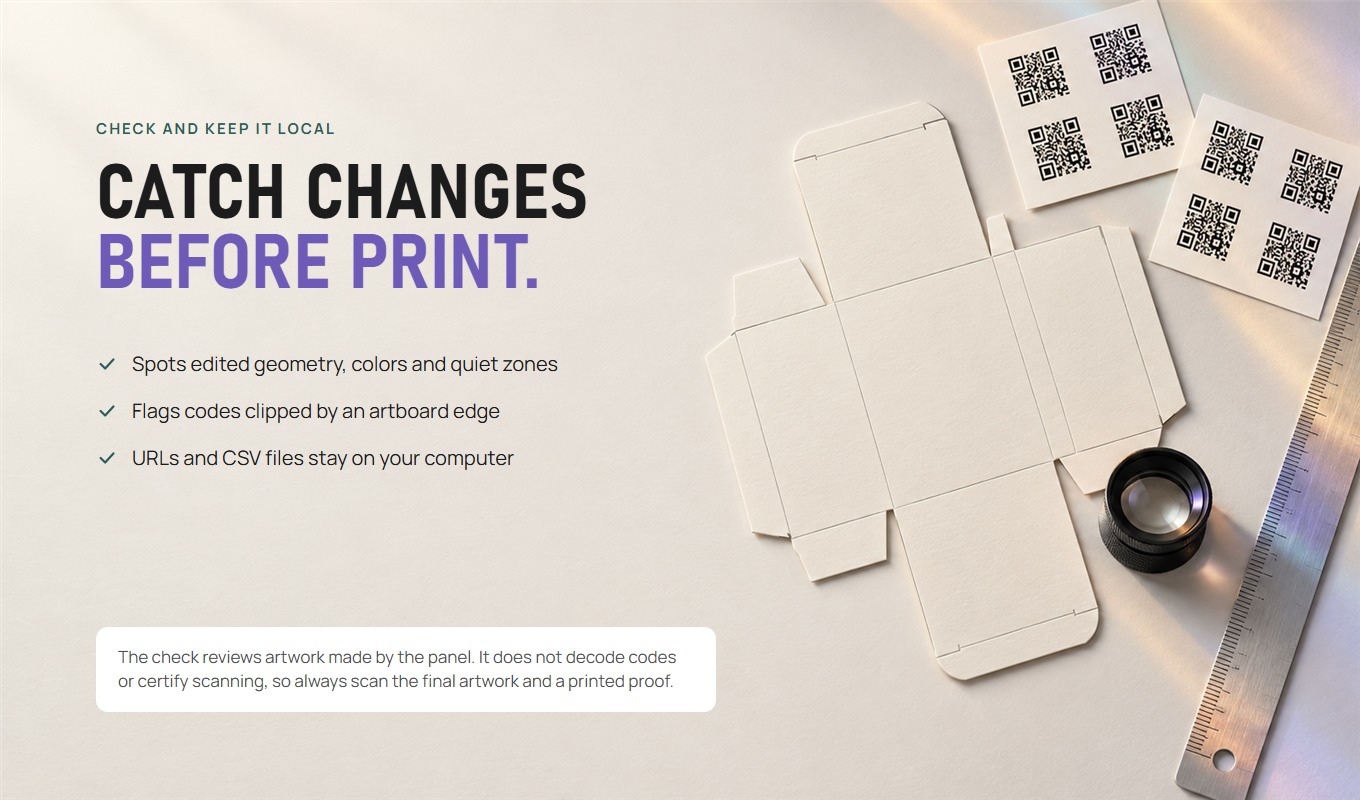
The panel encodes links only (http:// and https://). Its check reviews geometry, colors, quiet zone and artboard clipping of codes it created; it does not decode codes or certify scanning or print quality. It provides no hosted redirects or scan analytics. The panel is in beta.
Acquisition depends on current listing and region. Check exact listing for its latest regional availability.
Get it
Download Free or buy Pro.
QR Code Generator Panel Free
$0
Single editable vector QR codes in the Square style. No account and no card.
Download FreeQR Code Generator Panel Pro
$19once
Batch from URL lists or CSV, Soft, Rounded and Liquid styles, a logo in the centre and document checks. Updates included.
Price in USD. Depending on your country, tax is included or added; Paddle shows the total before you pay. By buying you agree to the Terms and the Refund Policy. Already bought? Download again from your account.
Install from the website
- Unzip the download and close Adobe Illustrator.
- Windows: double-click the Install … (Windows).bat file. macOS: right-click the Install … (macOS).command file and choose Open.
- Start Illustrator and open Window > Extensions (Legacy) > QR Code Generator Panel Free or Pro.
Website editions show update notices themselves; Pro updates download from your account.
Free or Pro QR?
| Task | Free | Pro |
|---|---|---|
| Single editable Square URL QR | Included | Included |
| Colors, inversion, L/M/Q/H | Included | Included |
| Soft, Rounded, Liquid and center logo | Unavailable | Included |
| Batch / CSV and containers | Unavailable | Included |
| Current public offer | Free on Adobe Exchange | $19 USD on Adobe Exchange |
QR Code Generator Panel Pro, in eight slides.
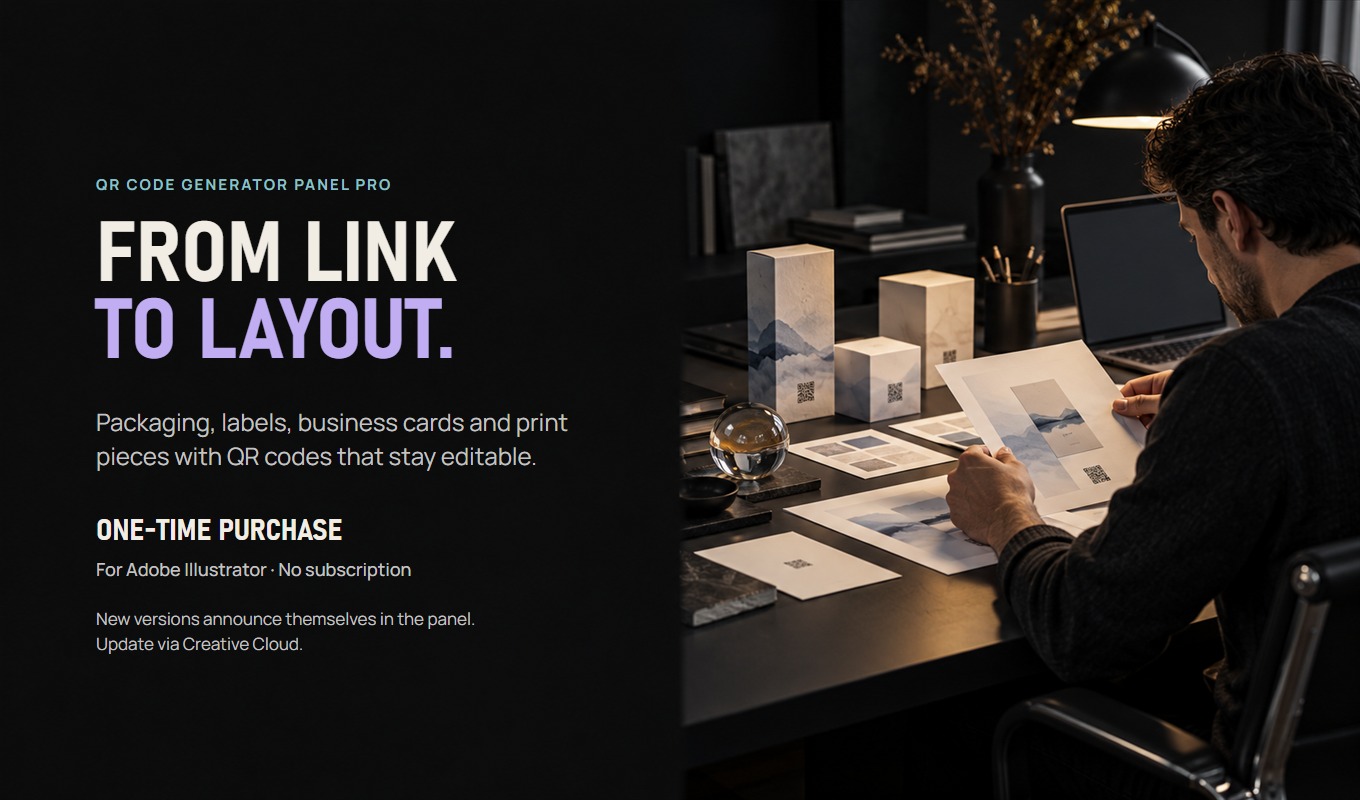
QR Code Generator Panel Pro at a glance.
| Price | $19 once, updates included |
|---|---|
| Where to get it | Buy on this site (Paddle) or on Adobe Exchange |
| Current version | Website 0.1.5 · Adobe Exchange 0.1.4 |
| Works with | Adobe Illustrator 21.0 or later, Windows and macOS |
| Install | Installation guide |
| Updates | Website copies download updates from your account; Exchange copies through Creative Cloud |
| Help | Support · All prices · support@script-panel.com |
Questions before you install.
Can I put my logo in the middle of the QR code?
Yes. Choose logo in the style editor accepts a PNG, JPEG or self-contained SVG; large photos are scaled down in the panel. The panel sets error correction to High, sizes the logo so every error-correction block can still recover, and embeds it with one module of padding when you create the code. It works for single codes and batches. Long links leave less safe centre, so use a short link and always scan the final artwork.
Does the logo file need to stay on my computer?
No. Raster logos are embedded and SVG logos are copied as vectors into the QR group, so you can move or delete the original file. Load selected brings the logo back into the preview for editing.
What is the Liquid style?
Liquid joins neighbouring dark modules into smooth connected shapes and rounds the finder eyes. Roundness is adjustable from 20 to 50 percent. It is a Pro feature; test the final size, because very small rounded codes are harder to scan.
Are the QR codes editable vectors?
Yes. Codes are created as vector artwork in your document, so you can keep editing and export them with Adobe Illustrator.
Are my links uploaded anywhere?
No. QR generation and CSV processing happen on your computer. The panel does not upload your links or files.
Can I change a code after placing it?
Yes, for codes the panel created: load the selected code, change its link, size or style, and it is replaced in the same place.
How do panel updates arrive?
Creative Cloud installs new versions from Adobe Exchange. From version 0.1.3 the panel also shows a notice with what is new as soon as a newer version is published.
Why does Adobe Exchange say QR Production Pro?
That is the earlier name. From version 0.1.3 the panel is called QR Code Generator Panel Pro; the listing name follows after Adobe reviews the update.
Put it to work.
Create an editable Square URL QR in Illustrator Free, or add a center logo and Liquid style with QR Code Generator Panel Pro. Test the real scan.
Prepare a URL list or CSV for a batch of editable vector QR codes in Illustrator. Check the destination links, layout and exported results.
Get the right panel from Adobe Exchange, let Creative Cloud install it and open it in Illustrator. Fix a missing panel without changing security settings.