QR Code Generator Panel Free · Adobe Illustrator One editable Square QR. In your file.
Create one editable Square URL QR code in Adobe Illustrator. Choose size and colors, update panel-made codes in place, and check selected artwork. Free edition.
Free: free download · Pro: $19 USD once, on this site or on Adobe Exchange
The website and Exchange editions are the same panel; buy it in one place.
What it does
QR Code Generator Panel Free, explained.
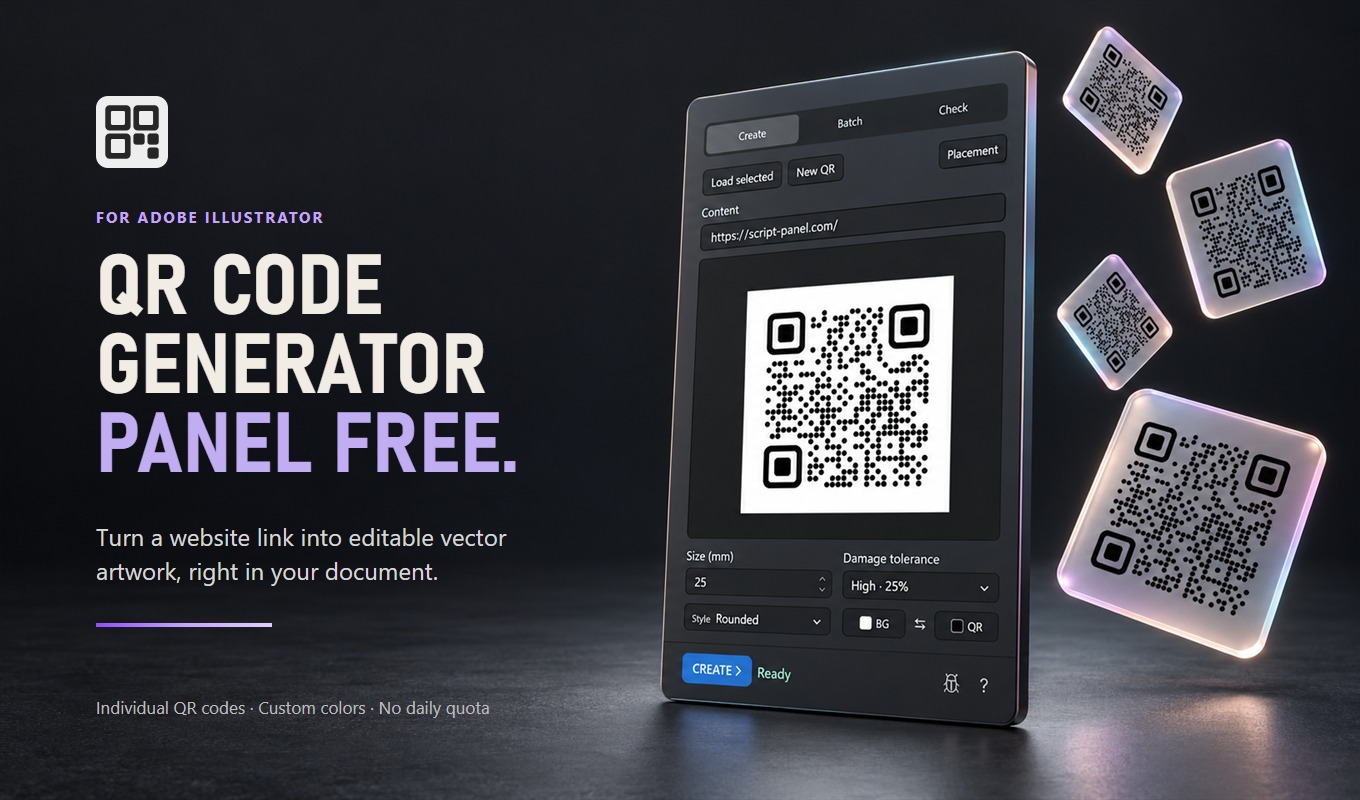
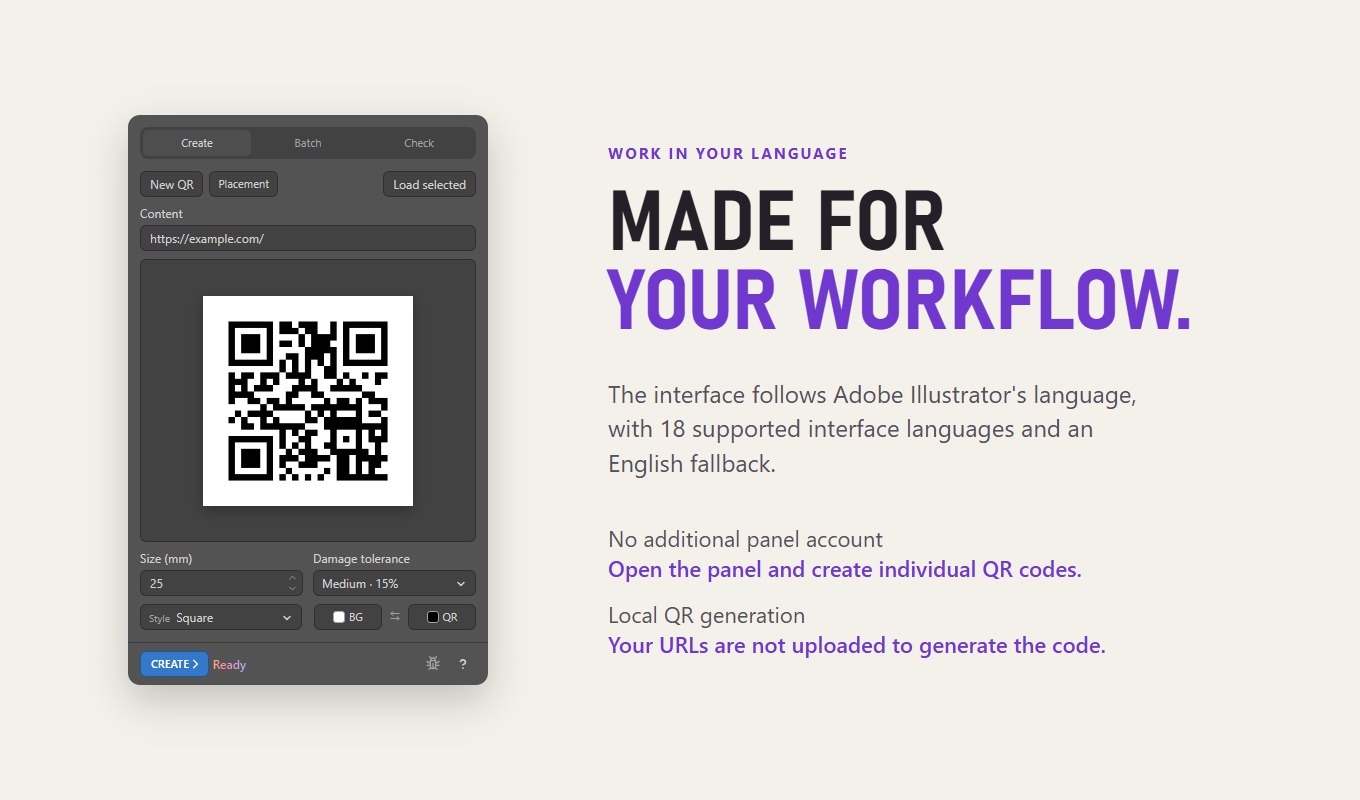
QR Code Generator Panel Free is an Adobe Illustrator panel that creates one editable Square vector QR code from a complete http:// or https:// URL. Version 0.1.4 supports size 2–1000 mm including the four-module quiet zone, QR and background colors with inversion, and all four error correction levels (L, M, Q, H). It has no daily generation quota, watermark or expiry. Updating a panel-created Square QR keeps its parent and top-left position. Check selected inspects local geometry, fills, quiet zone and artboard clipping; it does not decode codes, test destination URLs or certify scanning. The interface follows Illustrator through 18 language catalogs with English fallback. No separate panel account is required. The Adobe Exchange listing lists Illustrator 21.0+ on macOS and Windows; native host execution of the exact signed ZXP package is not separately verified in this guide.
Who it is for
Designers who need a single editable Square URL QR in packaging, labels, business cards or print layouts before deciding whether they need Pro batch, styles or logos.
The useful part of the workflow.
Create one Square QR
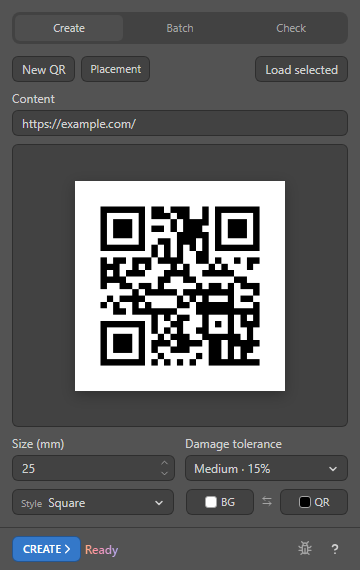
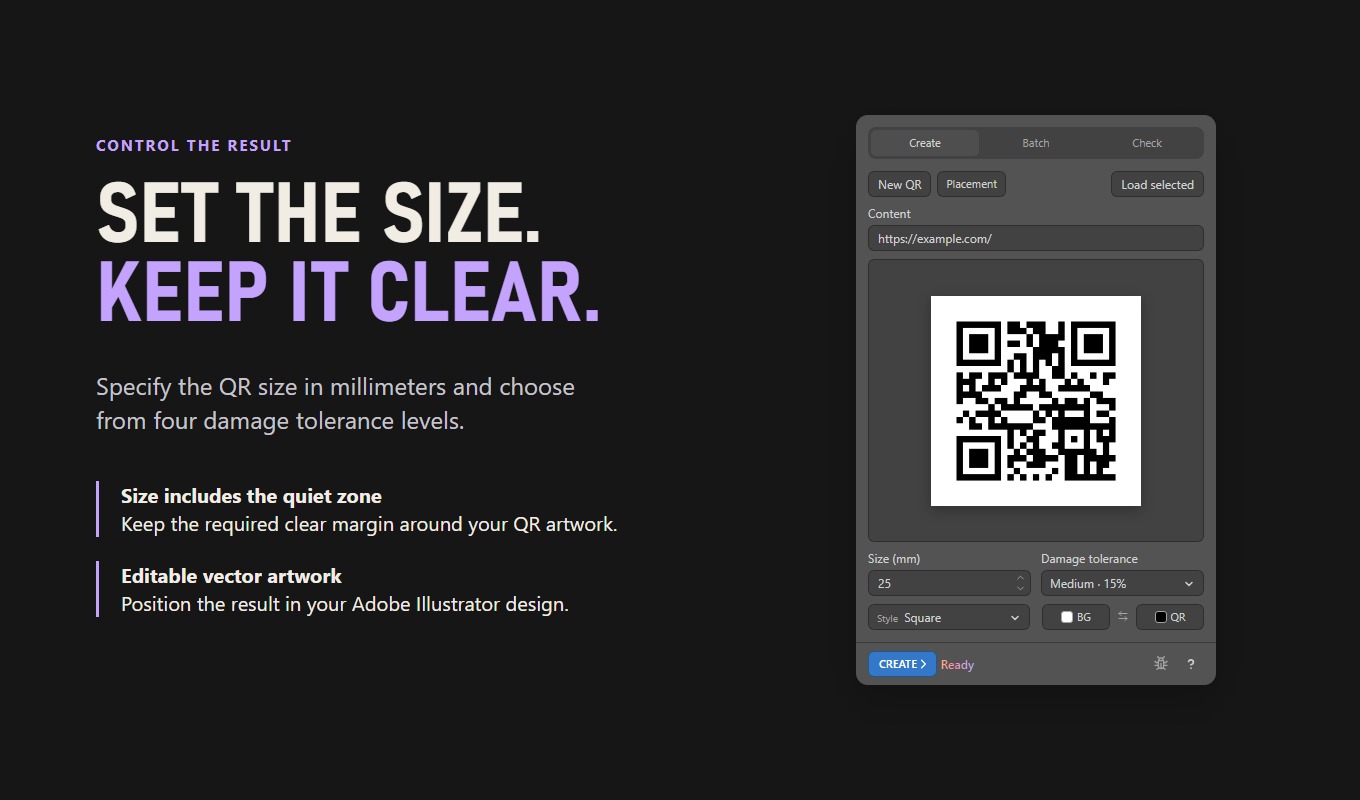
Enter a complete http:// or https:// URL, choose size and damage tolerance, then Create. The editable vector group appears at the active artboard center. Size includes the four-module quiet zone (2–1000 mm).
Match your colors
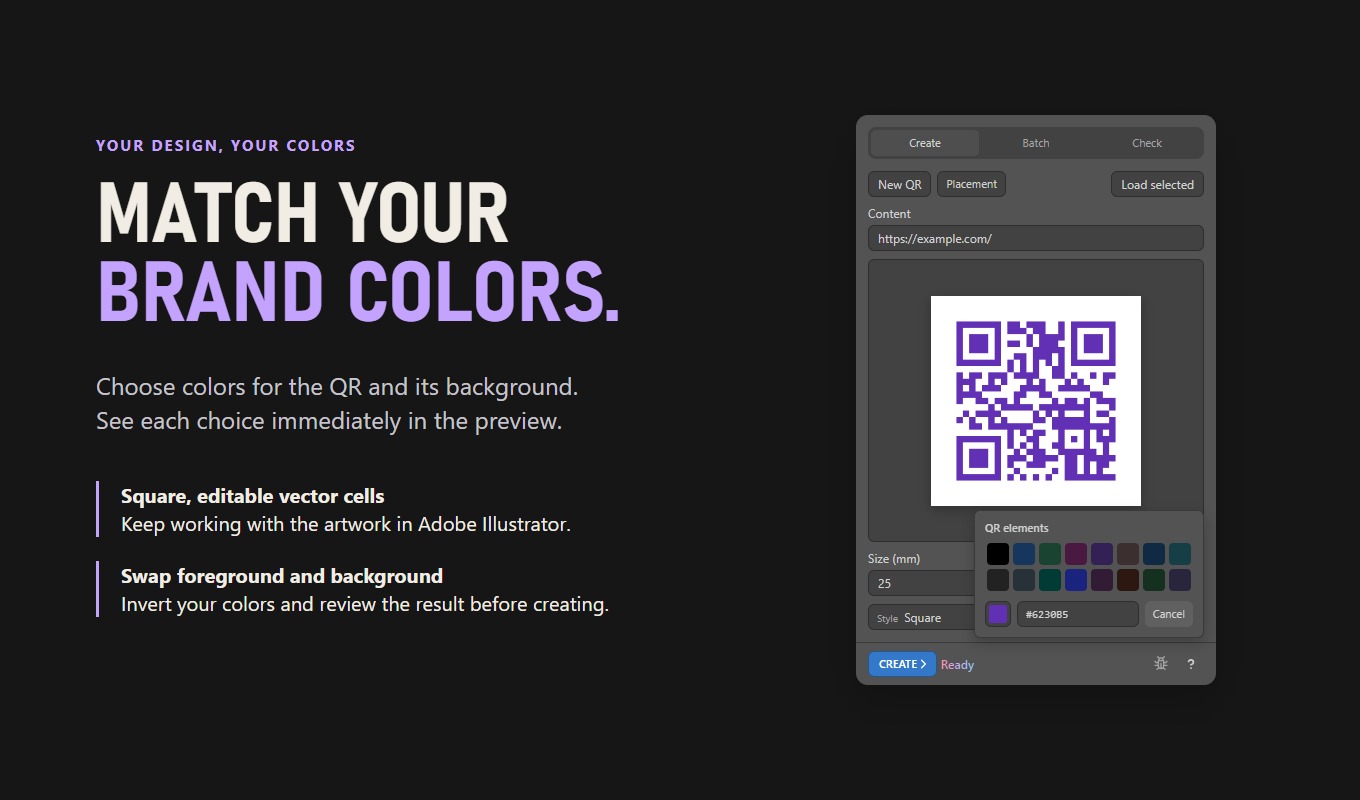
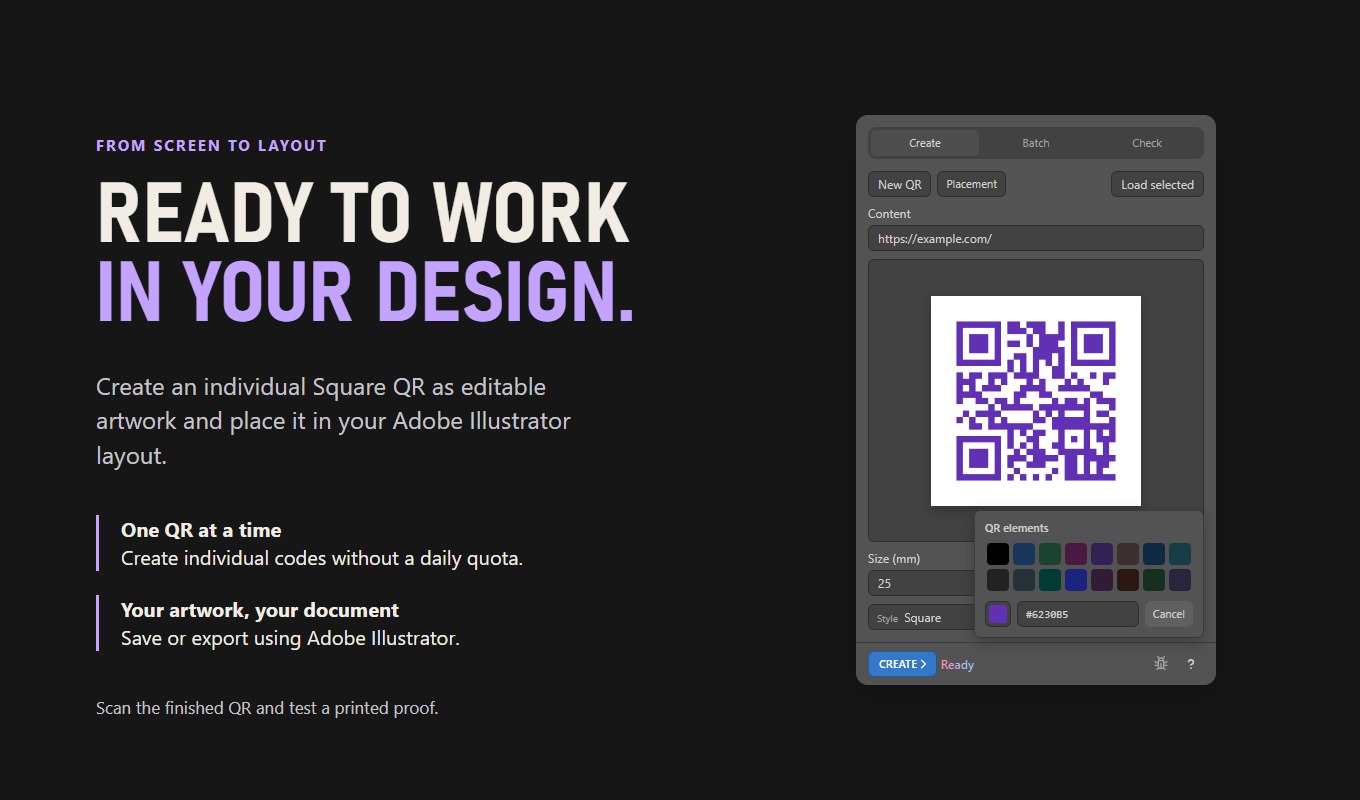
Choose QR and background colors with presets, HEX or the picker. Swap colors for an inverted design. All four error correction levels are included. Scan final artwork and printed proofs, especially with inverted colors.
Update panel-created Square QR
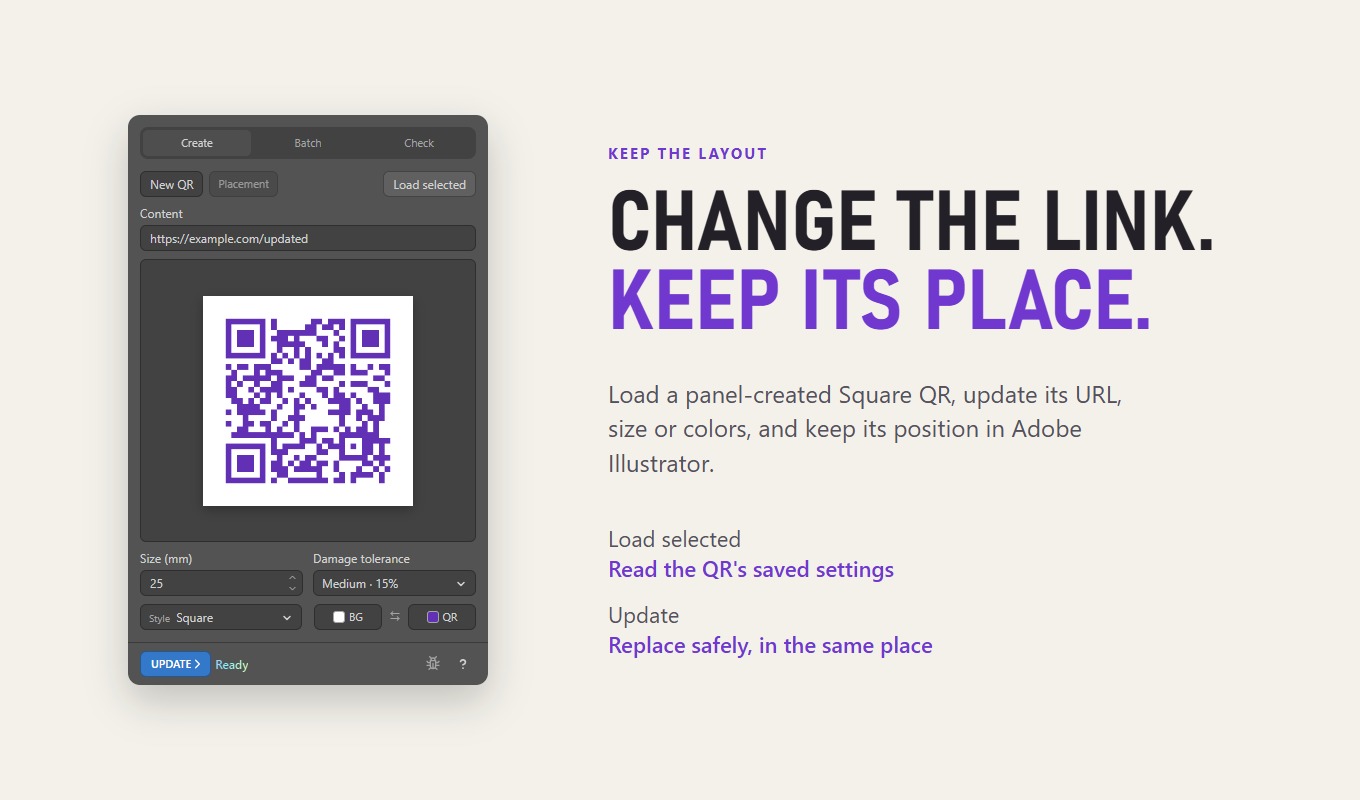
Select a Square QR made by Free or Pro, use Load selected, change URL, size or colors, then Update. The replacement keeps its parent and top-left position. Free does not silently convert Pro-only styles.
Check selected artwork
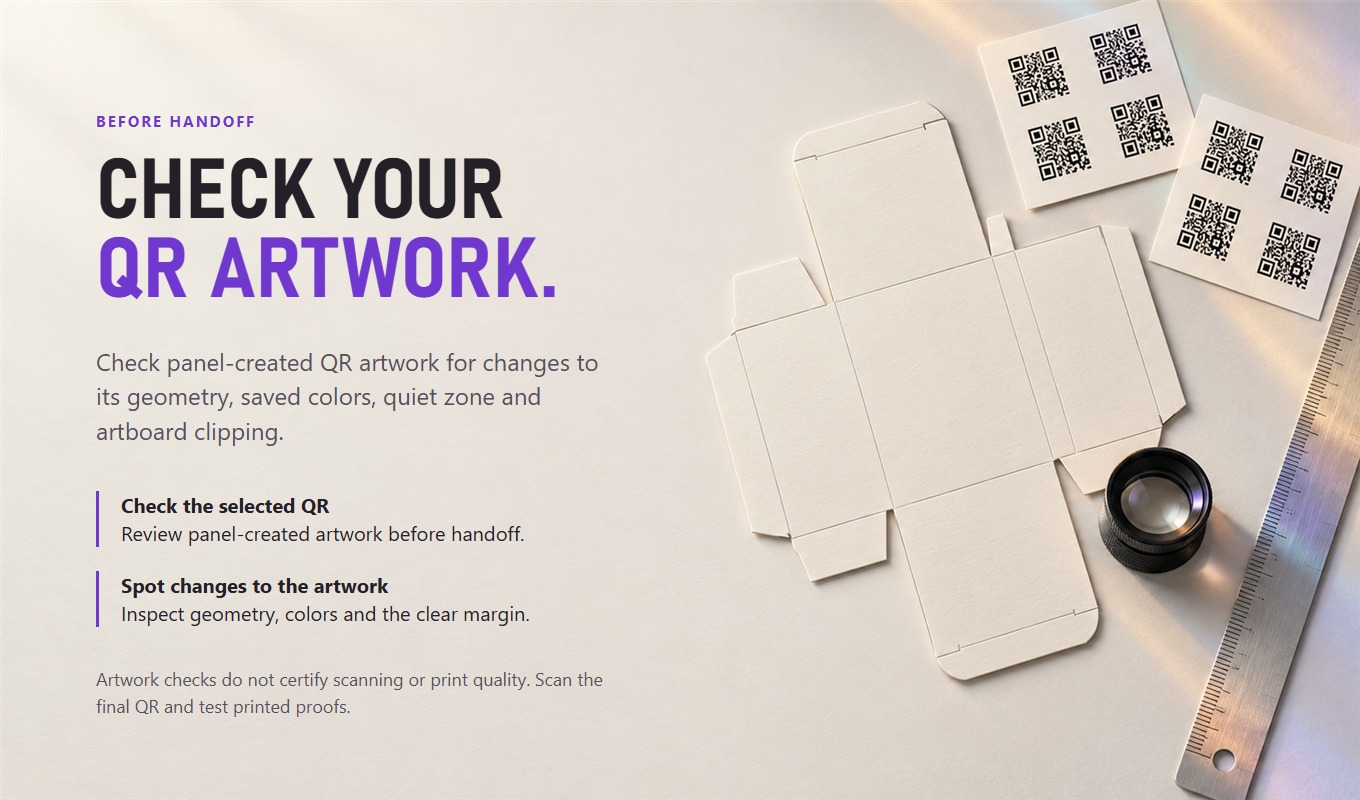
Inspect selected panel-created QR groups for geometry, fills, quiet-zone changes and artboard clipping. These checks do not decode the QR, request the URL or certify print or scan quality.
From installation to a first useful run.
- Acquire QR Code Generator Panel Free from its Adobe Exchange listing and complete Creative Cloud installation.
- Restart Adobe Illustrator and open Window > Extensions (or Extensions (Legacy)) > QR Code Generator Panel Free 0.1.4.
- Open a document, choose a visible unlocked printable layer and activate the intended artboard.
- Enter a complete http:// or https:// URL, set Size and Damage tolerance, choose colors, then Create.
- To edit a panel-created Square QR, select it, choose Load selected, change settings and Update. Use Check selected to inspect local artwork, then scan the final export separately.
Know the limits
Free creates individual Square URL QR codes only. Batch layouts, placement containers, Soft, Rounded and Liquid styles, embedded center logos and document-wide checks belong to QR Code Generator Panel Pro. Check selected does not decode or certify scanning. The Adobe Exchange listing lists Illustrator 21.0+ on macOS and Windows; native host execution of the exact signed ZXP package is not separately verified in this guide.
Acquisition depends on current listing and region. Check exact listing for its latest regional availability.
Get it
Download Free or buy Pro.
QR Code Generator Panel Free
$0
Single editable vector QR codes in the Square style. No account and no card.
Download FreeQR Code Generator Panel Pro
$19once
Batch from URL lists or CSV, Soft, Rounded and Liquid styles, a logo in the centre and document checks. Updates included.
Price in USD. Depending on your country, tax is included or added; Paddle shows the total before you pay. By buying you agree to the Terms and the Refund Policy. Already bought? Download again from your account.
Install from the website
- Unzip the download and close Adobe Illustrator.
- Windows: double-click the Install … (Windows).bat file. macOS: right-click the Install … (macOS).command file and choose Open.
- Start Illustrator and open Window > Extensions (Legacy) > QR Code Generator Panel Free or Pro.
Website editions show update notices themselves; Pro updates download from your account.
Free or Pro QR?
| Task | Free | Pro |
|---|---|---|
| Single editable Square URL QR | Included | Included |
| Colors, inversion, L/M/Q/H | Included | Included |
| Soft, Rounded, Liquid and center logo | Unavailable | Included |
| Batch / CSV and containers | Unavailable | Included |
| Current public offer | Free on Adobe Exchange | $19 USD on Adobe Exchange |
QR Code Generator Panel Free, in eight slides.
QR Code Generator Panel Free at a glance.
| Price | $0, no account and no card |
|---|---|
| Where to get it | Download on this site or get it on Adobe Exchange |
| Current version | Website 0.1.5 · Adobe Exchange 0.1.4 |
| Works with | Adobe Illustrator 21.0 or later, Windows and macOS |
| Install | Installation guide |
| Updates | The panel shows a notice when a new version is out |
| Help | Support · All prices · support@script-panel.com |
Questions before you install.
Is this the same as QR Code Generator Panel Pro?
No. Free creates one editable Square URL QR at a time with colors and local checks. Pro adds lists/CSV, batch layouts, containers, Soft/Rounded/Liquid styles, embedded logos and document-wide checks.
Does Free add a watermark or daily limit?
No. Free has no daily generation quota, watermark or expiry.
Do I need a separate panel account?
No additional panel account is required for local QR creation. Acquiring a panel through Adobe Exchange follows Adobe’s own account and installation process.
Where do I get Free?
Install QR Code Generator Panel Free from its Adobe Exchange listing (version 0.1.4). The website product page for this panel is prepared in this PR and becomes the public help URL after an authorized site deploy.
Put it to work.
Create an editable Square URL QR in Illustrator Free, or add a center logo and Liquid style with QR Code Generator Panel Pro. Test the real scan.
Get the right panel from Adobe Exchange, let Creative Cloud install it and open it in Illustrator. Fix a missing panel without changing security settings.