A useful answer. A repeatable workflow.
Start with the task. Understand the native option, prepare the right document state and check the actual result.
Getting started
Scripts
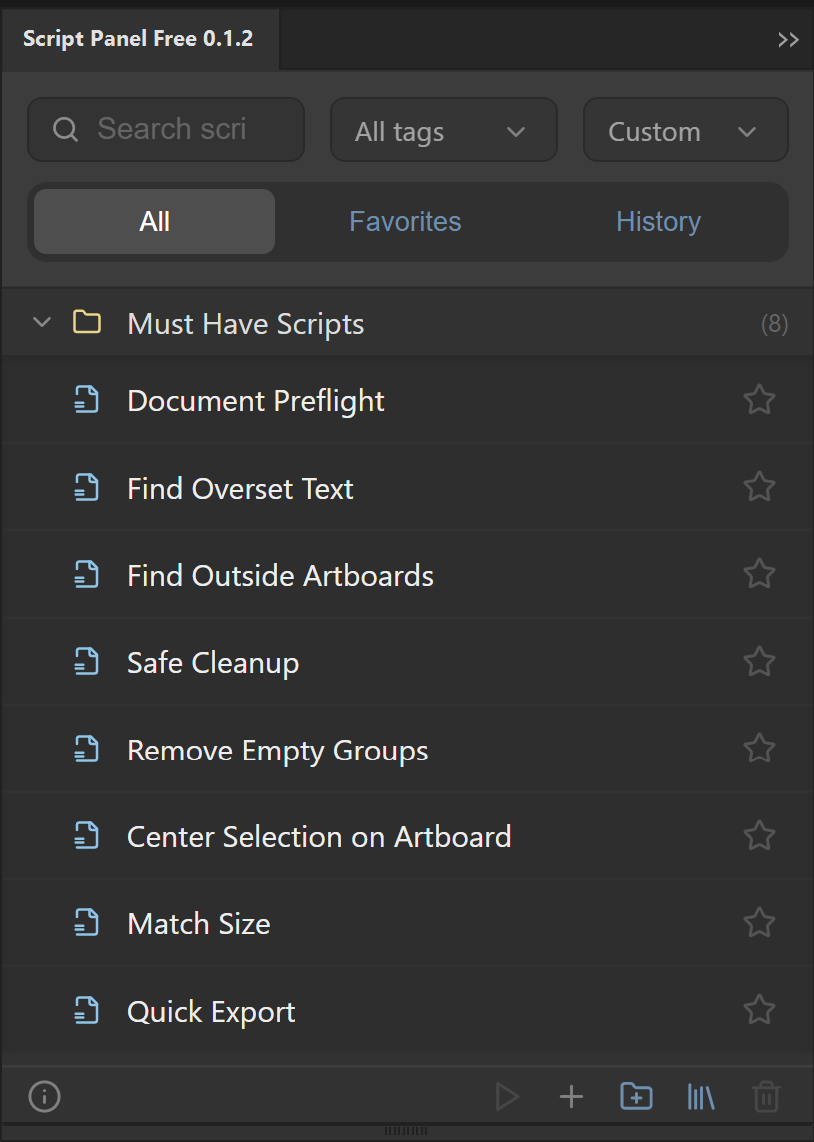 How to Install and Run a JSX Script in Adobe IllustratorInstall a trusted .jsx into Illustrator’s Scripts folder for the File > Scripts menu, or run once with Other Script. Restart after copying.Read the guide
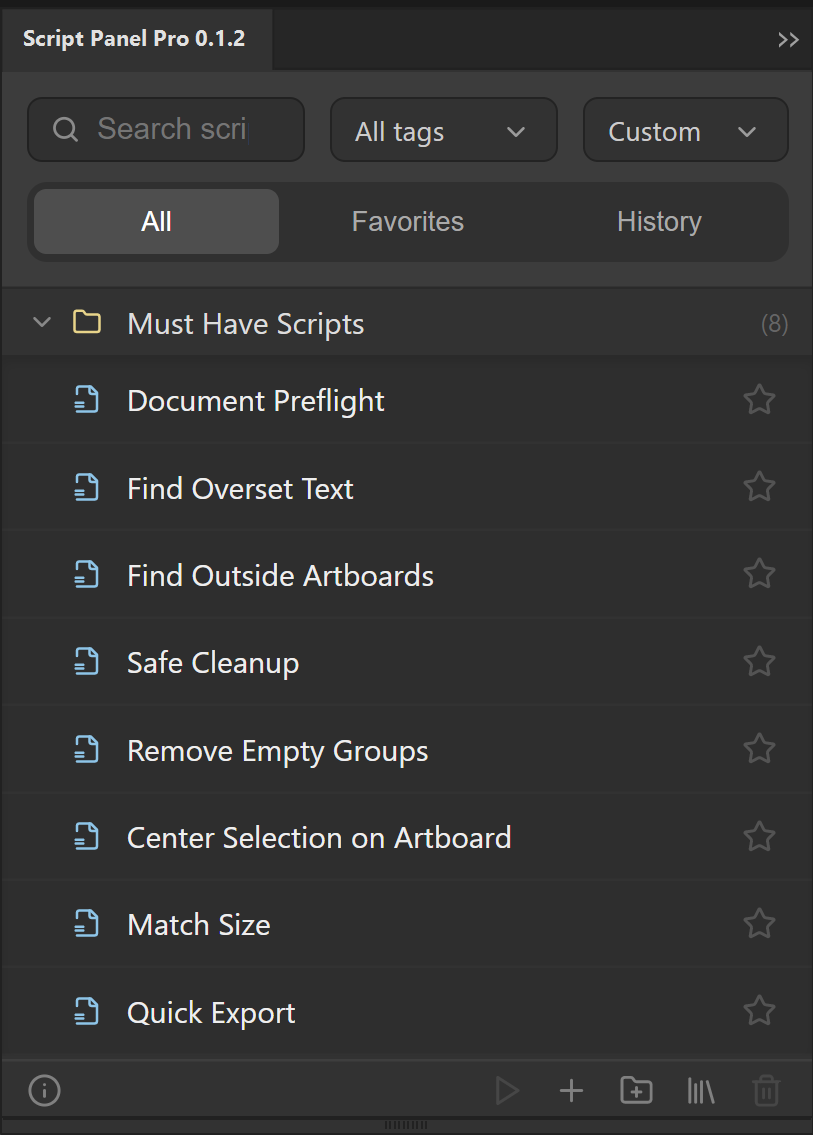 How to organize an Adobe Illustrator script libraryBuild a useful Illustrator script library with task-based folders, tags, favorites and a small verified set. Separate source files from panel metadata.Read the guide
Batch export
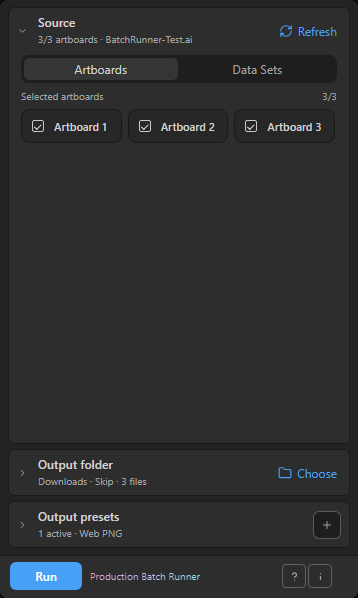 How to Export Selected Artboards in Adobe IllustratorExport selected artboards with File > Export > Export for Screens: choose Range or All, then PDF, PNG, JPEG or SVG. Or queue presets in Batch Runner.Read the guide How to name batch-export files in Adobe IllustratorPlan document, artboard, preset and index naming parts in Production Batch Runner. Choose skip, overwrite or auto-number and inspect filename previews.Read the guide
QR codes
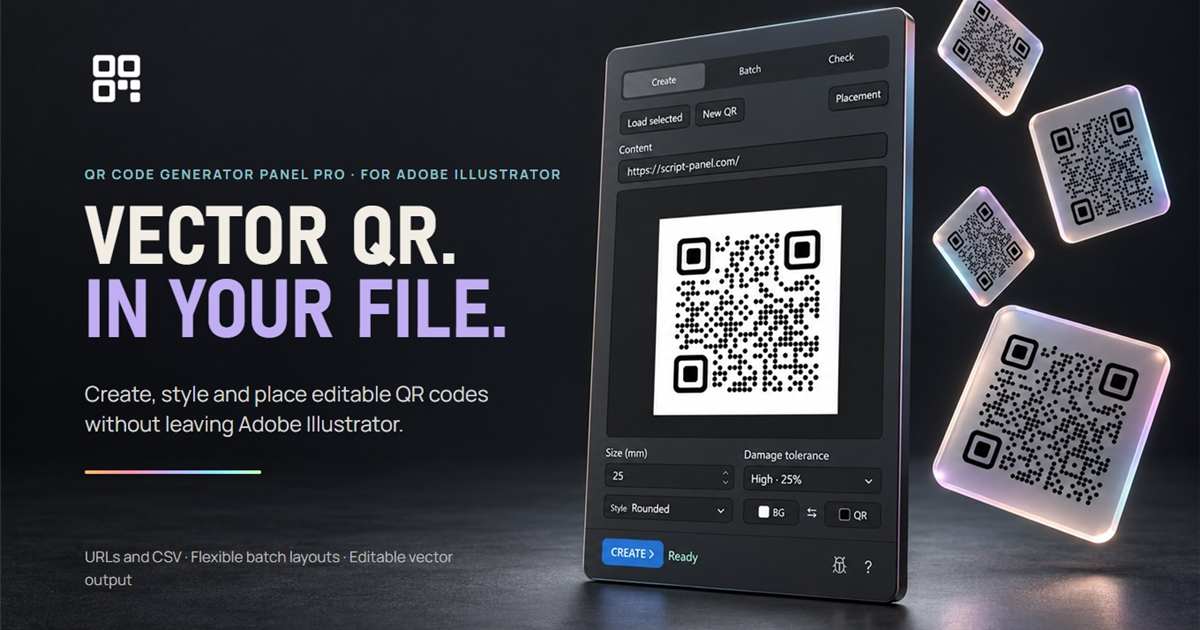 How to Create a Vector QR Code with a Logo in IllustratorCreate an editable Square URL QR in Illustrator Free, or add a center logo and Liquid style with QR Code Generator Panel Pro. Test the real scan.Read the guide Create QR Codes from a CSV List in Adobe IllustratorPrepare a URL list or CSV for a batch of editable vector QR codes in Illustrator. Check the destination links, layout and exported results.Read the guide