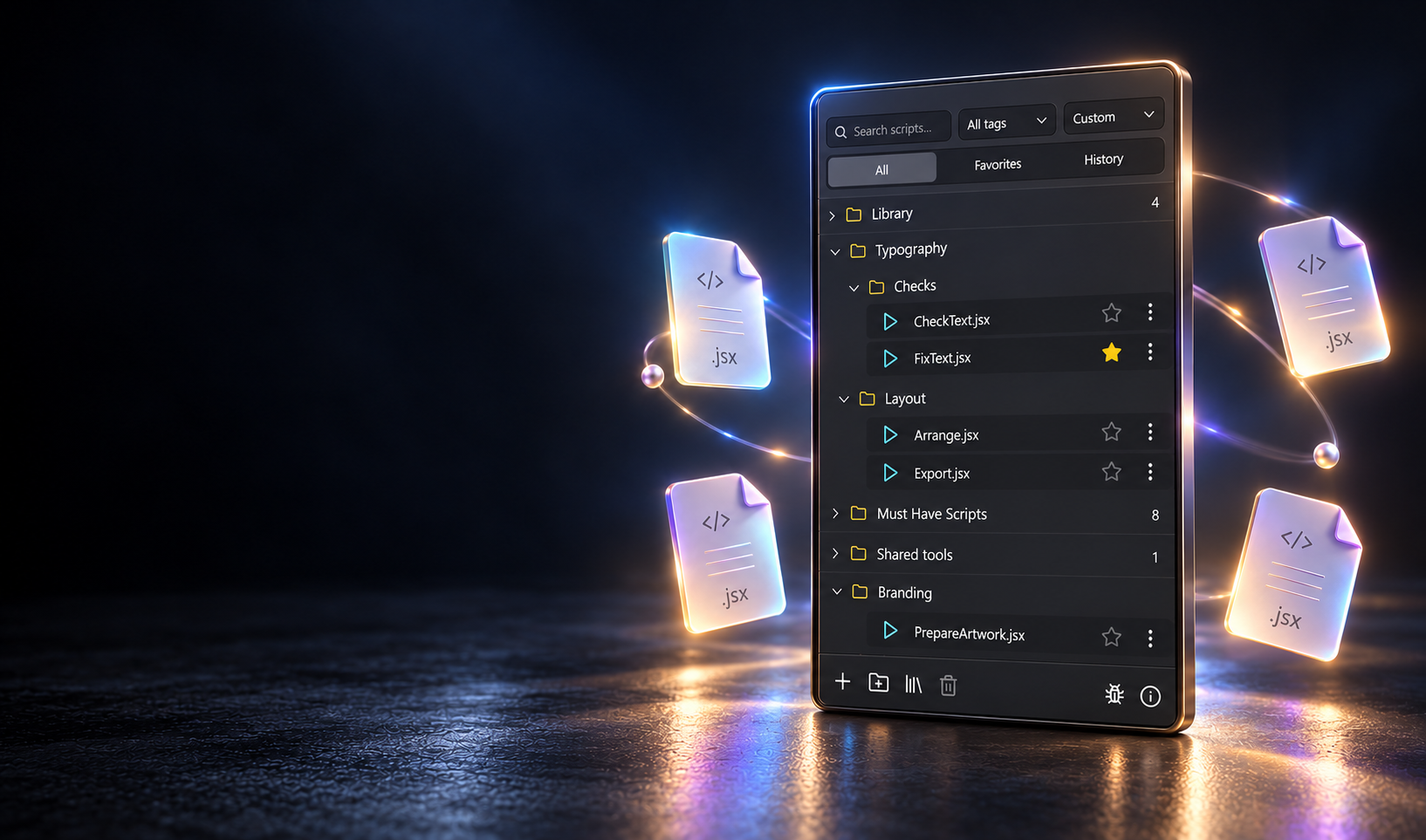
Script Panel · Adobe Illustrator panels
Panels for
production work.
Run your scripts, export every format, place QR codes and translate labels without leaving Illustrator. Start with Script Panel: Free with 8 safe scripts, or Pro for a one-time $29.
Great scripts still get lost in folders.
File > Scripts > Other Script, another dialog, another hunt through nested folders. The automation is already on your drive — it’s just not within reach when a deadline is.
Find it. Organize it. Run it.
A short path from a local script library to a confident action in Adobe Illustrator.
{{ step.label }}
{{ step.desc }}
One panel. Your whole library.
- {{ feat }}
Version 0.2.1 · Free and Pro
Stay current. Keep your workflow.
Automatic checks tell you when a new panel version is available. On Windows, confirm a background download and install after closing Adobe Illustrator. Scripts, libraries and settings are preserved. Adobe Exchange updates install through Creative Cloud; website updates on macOS remain manual.
Version 0.2.1 is available to download now. Installations older than 0.2.0 need one manual update; from 0.2.0 on, updates are offered inside the panel.
8 safe workflows. In every install.
Must-Have Scripts ships inside every install — Free and Pro. Nothing to download or set up separately.
- {{ item.name }} {{ item.desc }}
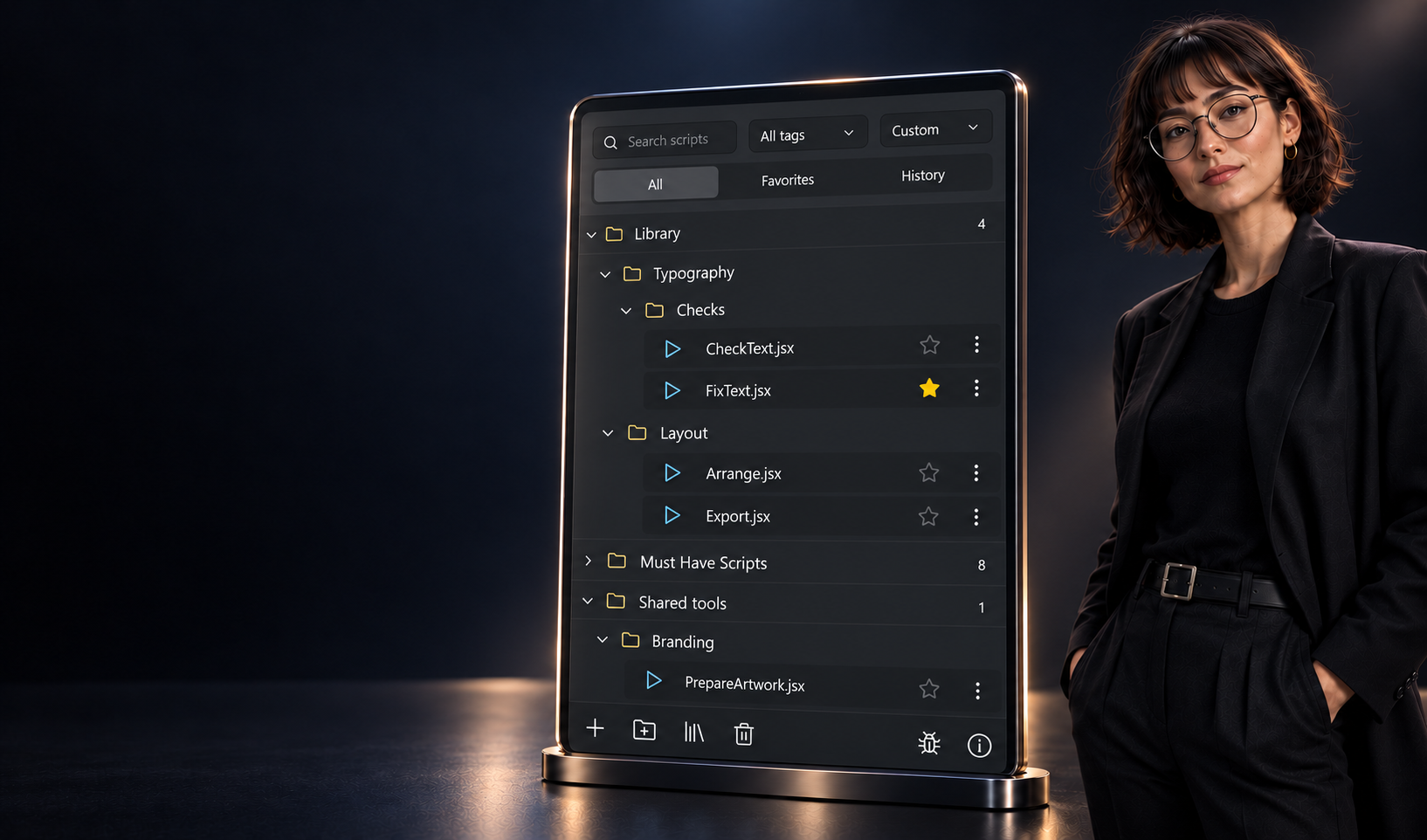
Pay once.
Keep moving.
One lifetime purchase. No subscription. Future Script Panel Pro updates are included at no additional cost.
See Script Panel ProStart free. Unlock the rest once.
Pro is a one-time $29 purchase. Free includes 8 safe Must-Have scripts — no account needed.
Free
$0
Free forever · no account
Run local scripts without an account.
- {{ row.icon }}{{ row.label }}
Windows or macOS · no signup
Or get it free on Adobe ExchangePro
${{ offerAmount }}
One-time purchase · no subscription
Everything in Free, without the limits.
- {{ row.icon }}{{ row.label }}
{{ checkoutNoteText }}
Or buy on Adobe ExchangeWebsite or Adobe Exchange — your choice
On Adobe Exchange, the Creative Cloud app installs and updates Script Panel for you, with no Windows security prompt, and an Exchange purchase stays in your Adobe account. On this website, a purchase stays in your script-panel.com account. Since version 0.2.0, panels check for new versions automatically; Windows downloads updates after your confirmation and installs after you close Adobe Illustrator. Website updates on macOS use a manual signed-ZXP installation. Our Windows installer is not code-signed yet, so Windows may show “Windows protected your PC”: choose More info, then Run anyway. Adobe Exchange listings are currently not available in the EU.
Payment is handled by Paddle. By continuing, you agree to our Terms, Privacy Policy and Refund Policy.
Compare Free and Pro in full
Free
- {{ row.free.icon }}{{ row.label }}
Pro
- {{ row.pro.icon }}{{ row.label }}
Planned features are not available yet. They ship in future Script Panel Pro updates at no extra cost.
Available for Windows and macOS · Adobe Illustrator 21.0 or newer · .jsx / .jsxbin / .js
More panels from Script Panel
The rest of your production desk.
QR codes, translation and multi-format export for packaging, labels and print, built the same way: small, exact tools inside Adobe Illustrator.
Answers to the questions designers ask: install and run a JSX script, export selected artboards, create a vector QR code with a logo, translate text in Illustrator.
A few honest answers.
{{ item.a }}